
The Smurfs: Cooking






The Smurfs: Cooking
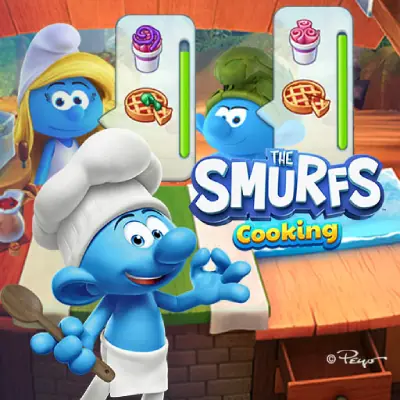
The Smurfs: Cooking puts you behind the counter with Chef Smurf, baking sweet things rather than cooking meals. Muffins, pancakes and pies come out of the ovens, and each one is decorated with icings and jams before it goes out.
The pairing is what makes it more than a serving game. Every Smurf who orders wants a particular drink alongside the food, tea, fruit or punch, and getting the dessert right with the wrong drink is still a wrong order.
Food trucks around Smurf Village unlock as you go, and Gargamel turns up to cast spells on the truck, which is the game's way of raising the difficulty without simply speeding up the queue.
How to play The Smurfs: Cooking
Bake, decorate, pair, serve
- Read the order and note the drink as carefully as the dessert. Both are scored.
- Bake the treat and take it out on time, since the oven is the only station that waits for nobody.
- Decorate it with the icing or jam the order named.
- Pair it with the right drink and serve before the Smurf gives up.
Controls
Tap or click to prepare and decorate, and drag the finished items to serve. It plays on a phone as well as a computer.
Tips and strategy
Treat the drink as half the order rather than a garnish, because that is the mistake the game is built around. Upgrade the kitchen when Gargamel starts interfering: his spells cost time and a faster truck absorbs them. Recipes unlock as you move between trucks, so the menu widens rather than the pace rising.
More games like this

Last updated
Frequently asked questions
Is The Smurfs: Cooking free?
Yes, free in the browser with no account and no payment, on a phone or a computer.
Who do I play as?
Chef Smurf, baking and serving for the other Smurfs around the village.
What does Gargamel do?
He casts spells on your food truck, which costs you time. Upgrading the kitchen is how the game expects you to absorb it.
Why was my order wrong?
Most often the drink. Each order names a dessert and a drink, and both have to match.