


Cooking Madness


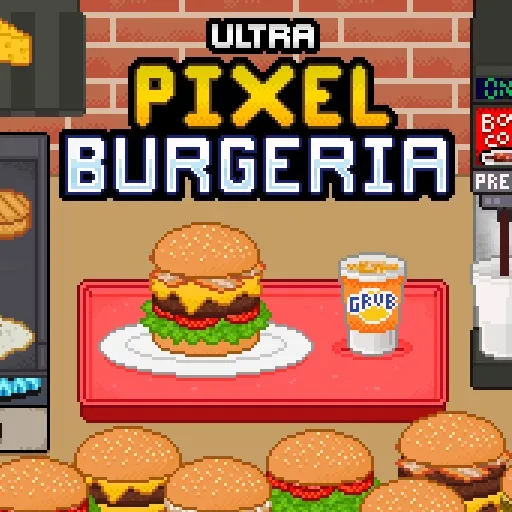





Cooking Madness
A good share of the people who look for Cooking Madness are looking for a way to run it on a computer without installing anything, going by what they type into Google. This page is that: the kitchen in a browser tab, nothing to download.
You work a burger shop and then a series of other kitchens, taking orders, cooking several items at once and serving before patience runs out, with earnings going back into equipment that cooks faster or holds more.
The pace is the point. Levels are short, the queue is constant, and the difficulty comes from the number of things on the heat rather than from any one of them being hard.
How to play Cooking Madness
Keeping several pans going
- Start the slowest item first. Everything else can be fitted around it, and nothing can be fitted around a late one.
- Keep every burner busy. The kitchen expects two or three things on the heat together, and working through the queue one dish at a time will not clear a level.
- Serve the moment a plate is complete, because a finished dish sitting on the pass is blocking the station behind it.
- Spend earnings on the bottleneck rather than on the newest upgrade offered. The slowest station sets the pace of the whole kitchen.
Controls
Click or tap an ingredient, a pan or a customer. It was built for phones first, so touch is the native way to play it and a mouse works just as well.
Tips and strategy
Read the whole queue before touching anything and start the longest cook immediately. Upgrades are where a stuck level is usually solved, and the one to buy is whichever station you spend most time waiting on, not whichever is cheapest. Burned food costs the time twice.
More games like this




Orientation
Built for a landscape screen. On a phone, turn the device sideways.
Last updated
Frequently asked questions
Can I play Cooking Madness on a computer without installing it?
Yes. This is the browser build, so it runs in a tab with nothing installed and no store involved.
Is Cooking Madness free?
Yes, free to play in the browser with no account and no payment at any point.
Does it work on a phone?
Yes. It began as a phone game, so touch is the native way to play, and it works on a computer with a mouse too.
Why can I not finish a level?
Usually a station is too slow rather than the player being too slow. Put earnings into the equipment you spend the most time waiting on and the same level becomes straightforward.